









If you want a cleaner Django admin without building a separate dashboard, a theme can be a good fit. The main question is how much change you’re happy to make to the admin you already have.
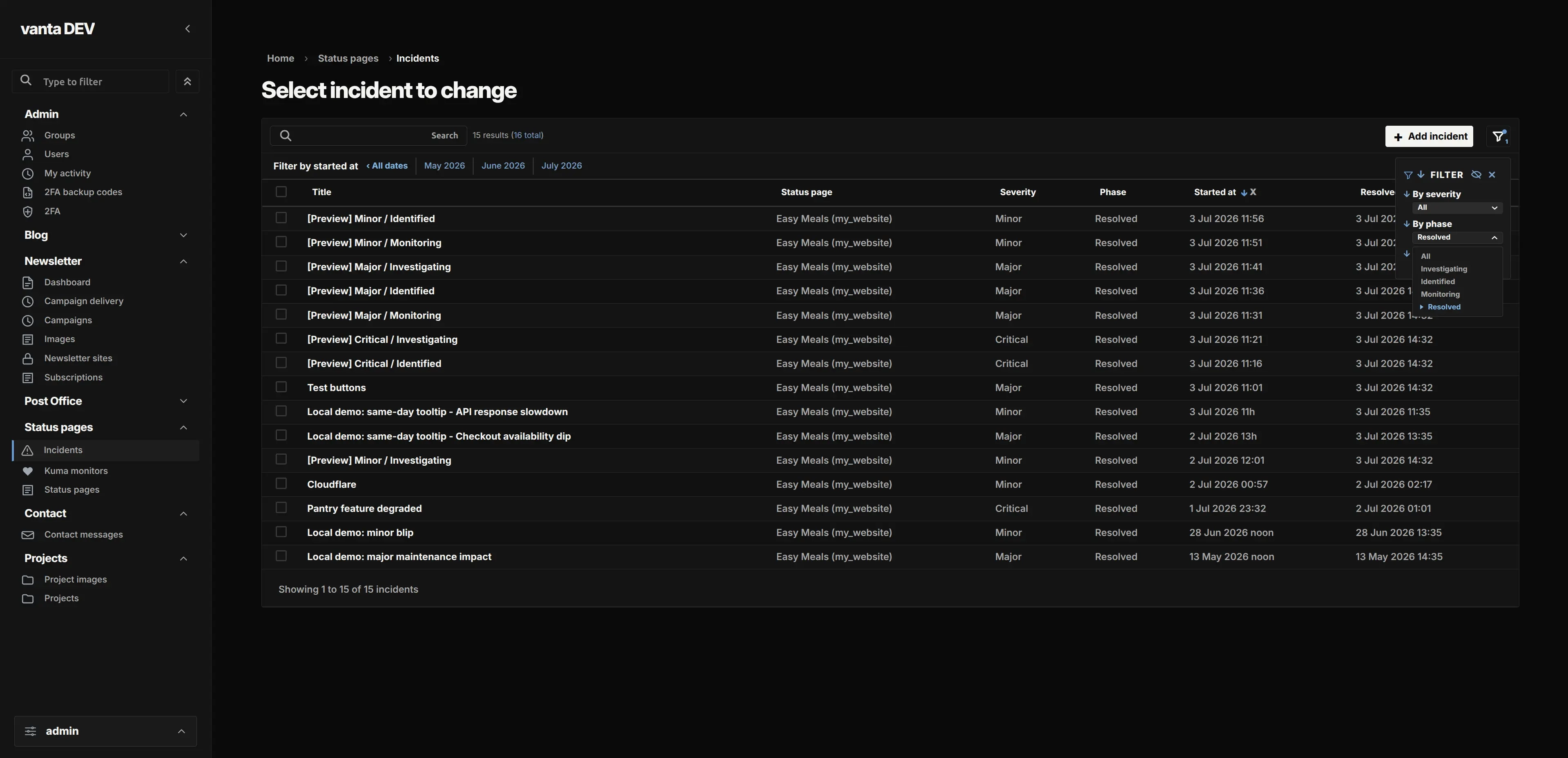
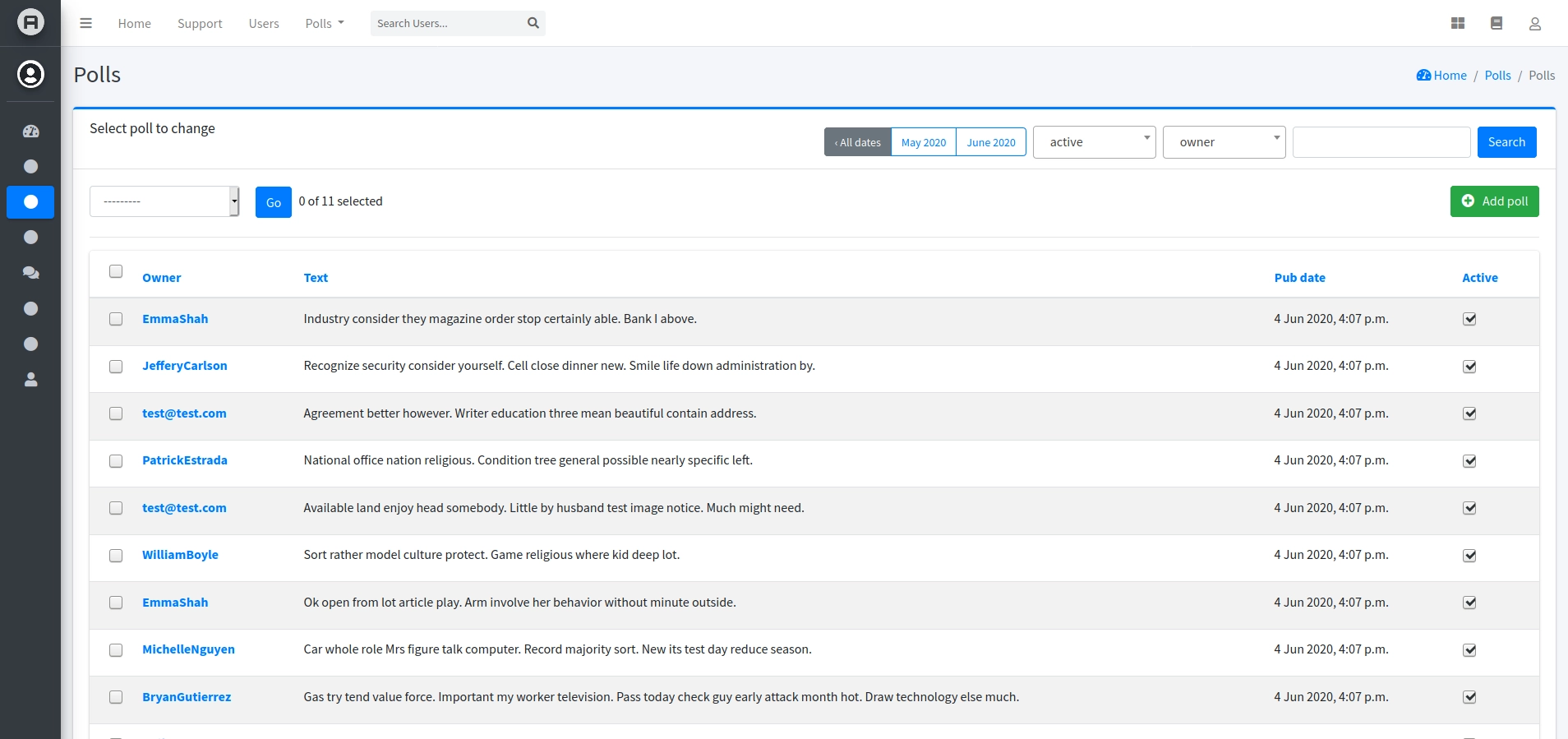
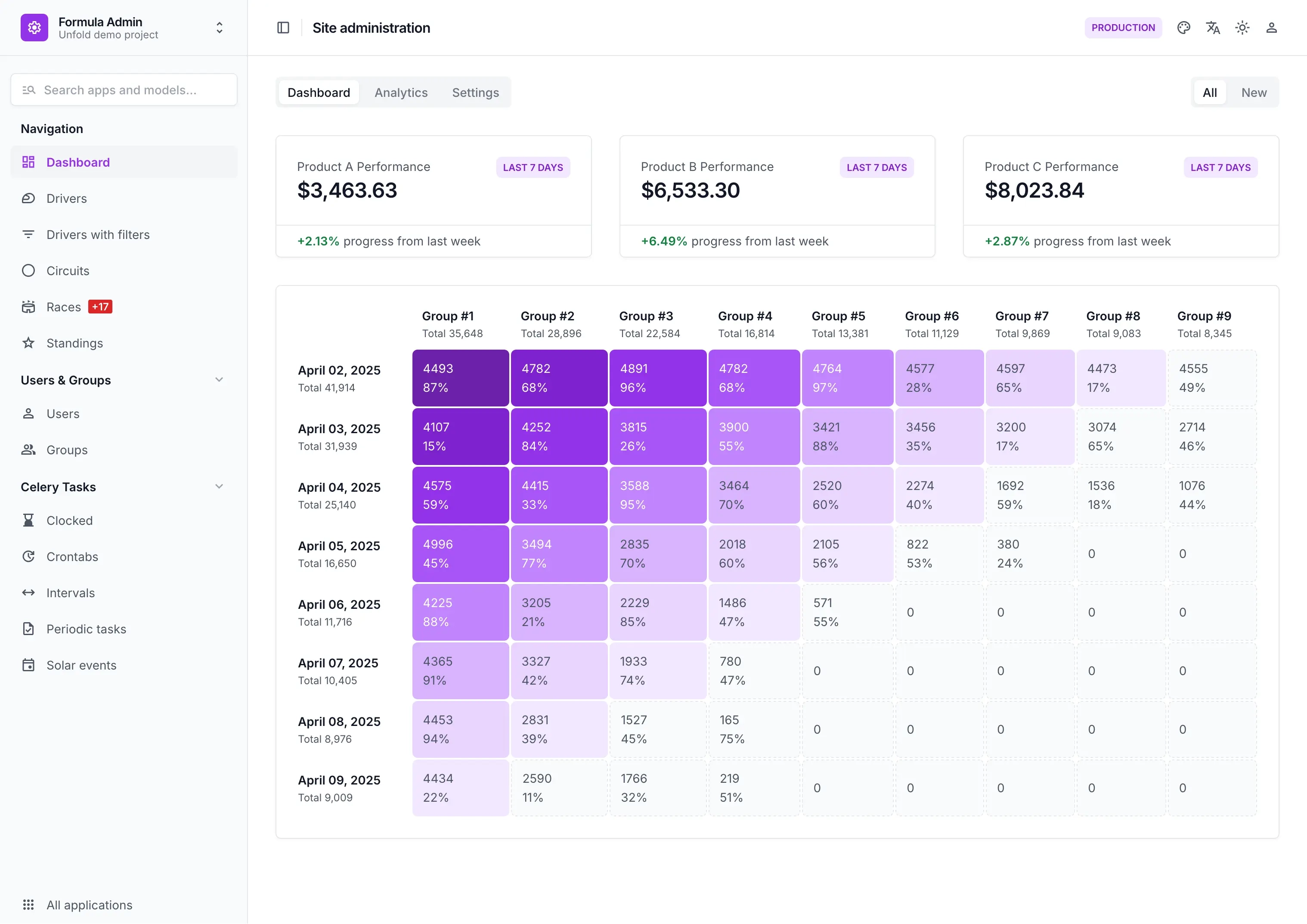
I looked at four options: Vanta Admin, Jazzmin, Django Unfold, and Grappelli. I checked what each project says about setup, features, Django versions, and upkeep. This is a comparison of published information, not a hands-on installation or compatibility test. The screenshots show different apps and data, so use them as examples of each interface rather than as a matched visual test. I checked these details in September 2026, so check each project’s release notes again before choosing a version.
The quick comparison
| Theme | Visual direction | Setup work | Documented Django support | Best fit |
|---|---|---|---|---|
| Vanta Admin | Dark or light, focused on spacing and hierarchy | Add the package before django.contrib.admin, then collect static files | Django 6.0–6.1; Python 3.12+ | A focused visual refresh with Django’s usual admin behavior |
| Jazzmin | AdminLTE and Bootstrap styling with extensive UI options | Add the package before Django admin; optional settings control menus and appearance | Its v3.0.3 release lists Django 5.1, 5.2, and 6.0 | A configurable Bootstrap-style admin with menus, themes, and custom templates |
| Django Unfold | Tailwind-based interface with dashboards and richer admin components | Add Unfold before Django admin; styled model admins inherit from Unfold’s ModelAdmin | Package metadata lists Django 5.2 and 6.0 | Teams willing to adapt admin classes for a more extensive interface |
| Grappelli | Grid-based alternative with its own admin URLs and templates | Add the app, include its URLs, configure a context processor, and collect static files | Grappelli 5.0.0 targets Django 6.x; 4.0.4 targets Django 5.x | Projects that want Grappelli’s established grid and form experience |
“Documented support” means the project’s docs or package metadata say that version is supported. I haven’t installed every version combination. Setup can also take more or less work depending on your custom admin classes, widgets, templates, and deployment process.
What the scorecard measures
Instead of giving each theme a score that suggests more precision than we have, compare the parts that matter to your project:
- Visual change: Does it mainly restyle familiar Django admin pages, or does it add a more substantial dashboard and new interaction patterns?
- Installation work: Is app ordering enough, or do you need URL changes, extra settings, database migrations, or edits to existing
ModelAdminclasses? - Extra packages and frontend pieces: Check what the theme installs and which frontend assets or conventions it brings. Browser assets shipped inside a Python package still affect the interface you maintain, even when they do not add Python dependencies.
- Compatibility evidence: Look for an explicit Django and Python support range for the release you plan to use. A package installer accepting a version is not the same as the maintainer testing it.
- Upkeep: Check recent releases, the changelog, documented upgrade steps, open maintenance notices, and whether the theme’s customizations need attention after Django upgrades.
The setup notes below show which themes mostly change the look and which ask you to change how your admin classes or URLs are set up. That’s more useful than simply calling one “easy” and another “hard.”
Vanta Admin: focused visual changes
Vanta changes how the admin looks while Django keeps handling your models, permissions, forms, URLs, and workflows. To set it up, install vanta-admin, put vanta_admin before django.contrib.admin, and run collectstatic before deployment so Django can serve the theme’s static files. Vanta documents support for Python 3.12 or later and Django 6.0–6.1.
Vanta is worth considering if you want a visual refresh and want to keep using your existing admin classes. Its documented Django range is narrower, though. If your project uses an older Django release, check with Vanta’s current compatibility guidance before choosing it.
When you upgrade Django or Vanta, check the release notes. Vanta lists Django support by version, which makes it easier to check your planned combination than relying on a successful install alone.
Jazzmin: lots of UI choices
Jazzmin uses AdminLTE and Bootstrap. You can configure its menus, themes, change-form layouts, and custom CSS or JavaScript. To start, install django-jazzmin and put jazzmin before django.contrib.admin; you can adjust the appearance in your Django settings.
Jazzmin gives you more ways to shape the interface than a focused skin. If you add your own CSS or JavaScript, you’ll also need to check it when Jazzmin or Django changes. For example, Jazzmin 3.0 moved to Bootstrap 5. Its 3.0.3 release notes list Django 5.1, 5.2, and 6.0 support.
Jazzmin may suit you if you want a configurable Bootstrap-style look and don’t mind keeping an eye on its settings and upgrade notes. Its maintainers describe it as actively maintained and say they could use more help with issue triage, frontend fixes, tests, and documentation. That’s useful context when you’re thinking about long-term upkeep.
Django Unfold: a bigger change to the admin experience
Unfold offers a Tailwind-based interface, dark mode, configurable navigation, dashboards, filters, actions, and integrations for several third-party Django packages. Its quickstart keeps the usual admin URL and asks you to put unfold before Django admin. For styled pages, your admin classes need to inherit from unfold.admin.ModelAdmin.
That class change is the main thing to plan for. It may be quick in a small project. If you have many custom ModelAdmin classes, allow time to update and test them. Unfold’s package metadata says Django 5.2 or later and lists Django 5.2 and 6.0 classifiers. Those are the project’s published compatibility details, not a guarantee for every setup.
Unfold is worth a look if you want more than a visual refresh and are happy to use its admin components. Before switching, make a list of your custom admin classes and third-party widgets. Unfold notes that integrations built for the default admin may need extra work to fit its interface.
Grappelli: more setup, with explicit version tracks
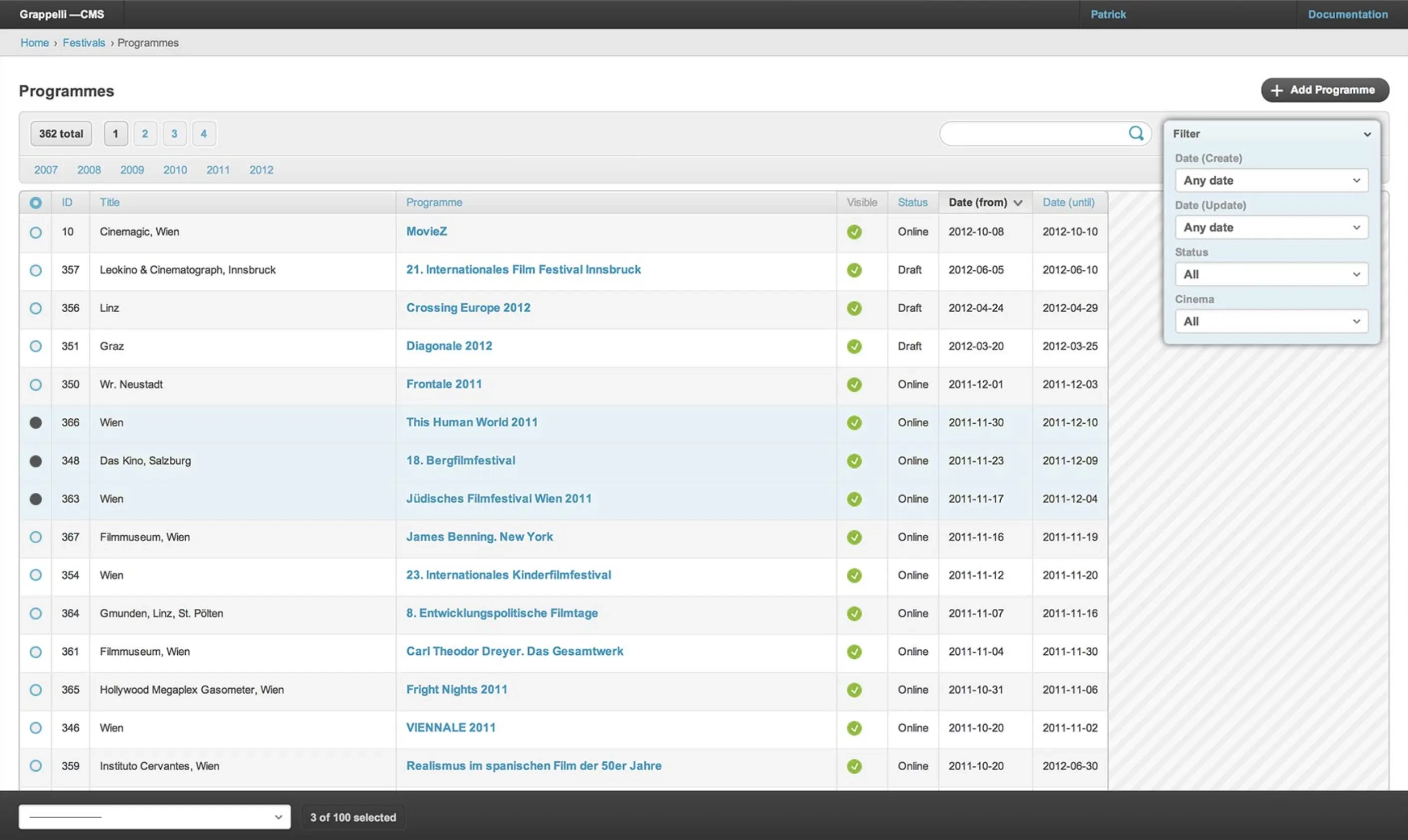
Grappelli gives Django admin a grid-based layout. It takes a few more setup steps than themes that only need app ordering: add grappelli before Django admin, include its URL patterns, keep the request context processor for features that use it, and collect static files.
Grappelli has separate major versions for different Django releases. Its docs list Grappelli 5.0.0 for Django 6.x and 4.0.4 for Django 5.x. That makes it clear which version track to check, but a Django major upgrade may mean moving to a matching Grappelli version too.
Grappelli may suit you if you like its grid and form layout and don’t mind the extra URL setup. If all you want is a lighter visual refresh, the additional steps may not be worth it.
Make the choice against your own project
First check your Django and Python versions. Then list the admin customizations you rely on, such as templates, widgets, third-party integrations, JavaScript, and admin classes. These can matter more than the theme’s feature list.
If you want to keep changes small, start with a theme that lets you keep your admin classes and URLs. If you want dashboards or richer controls, set aside time to update and test the classes that display them. Either way, try the theme in a branch with realistic data. Check the changelists and forms as well as the dashboard, and make sure static files work the same way they will after deployment.